We are excited to release v0.8.1 for Android. This is a big update with many improvements for intermediate Chinese learners.
The major new feature is Saved and Learned Words. Tap any word to save it to your study list. Once you have reviewed a word several times and feel confident you know it, move it to your learned list. Learned words no longer show pinyin or dictionary popups by default — you can still open the popup dictionary by double-tapping a word. As you learn more words and gain literacy, articles gradually become more like native articles. The idea is that you learn words by reading real content, not flash cards or contrived examples.
This feature works especially well together with example sentence search. From your study list, tap any word you are learning to find more example sentences for it. The same works from your learned list.
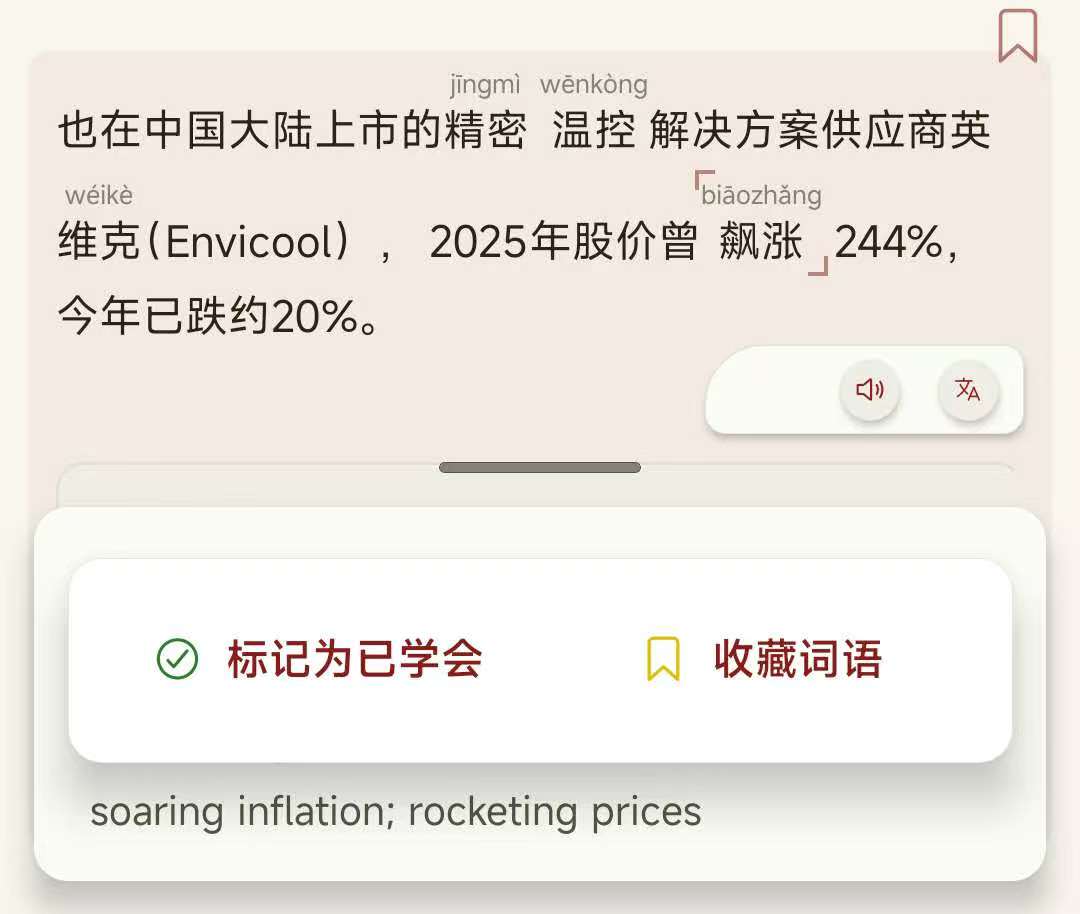
You can also select an HSK level. Word helpers for words at or below that level are hidden. Sentence-level helpers like audio and translation still work for the whole sentence from the Sentence Helper Bar.
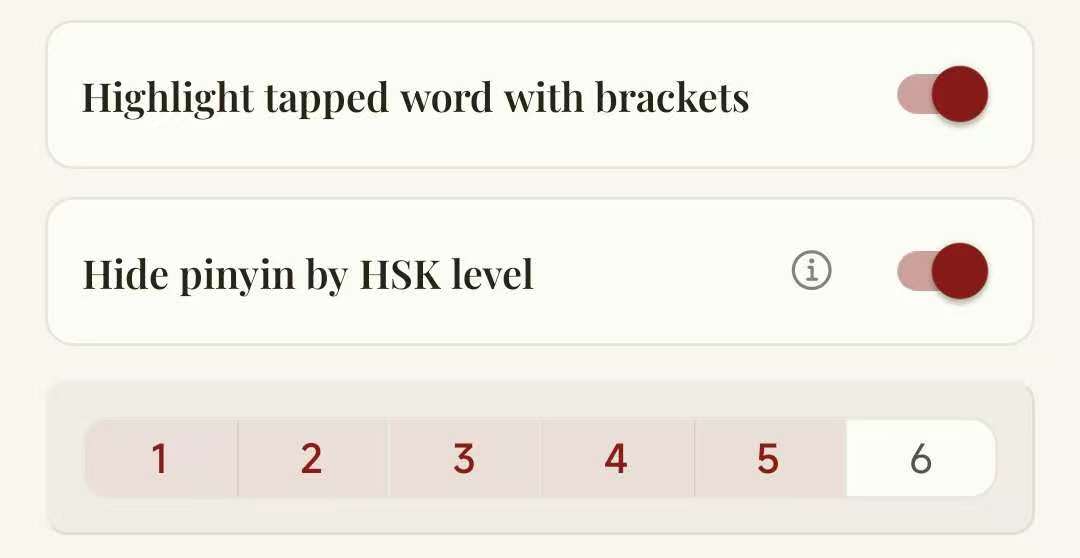
In the studying and learned word list you can view all the words you ahve saved. These word lists will be used in future AI personalisation features so make sure you keep adding words that you have learned or are interested in studying.
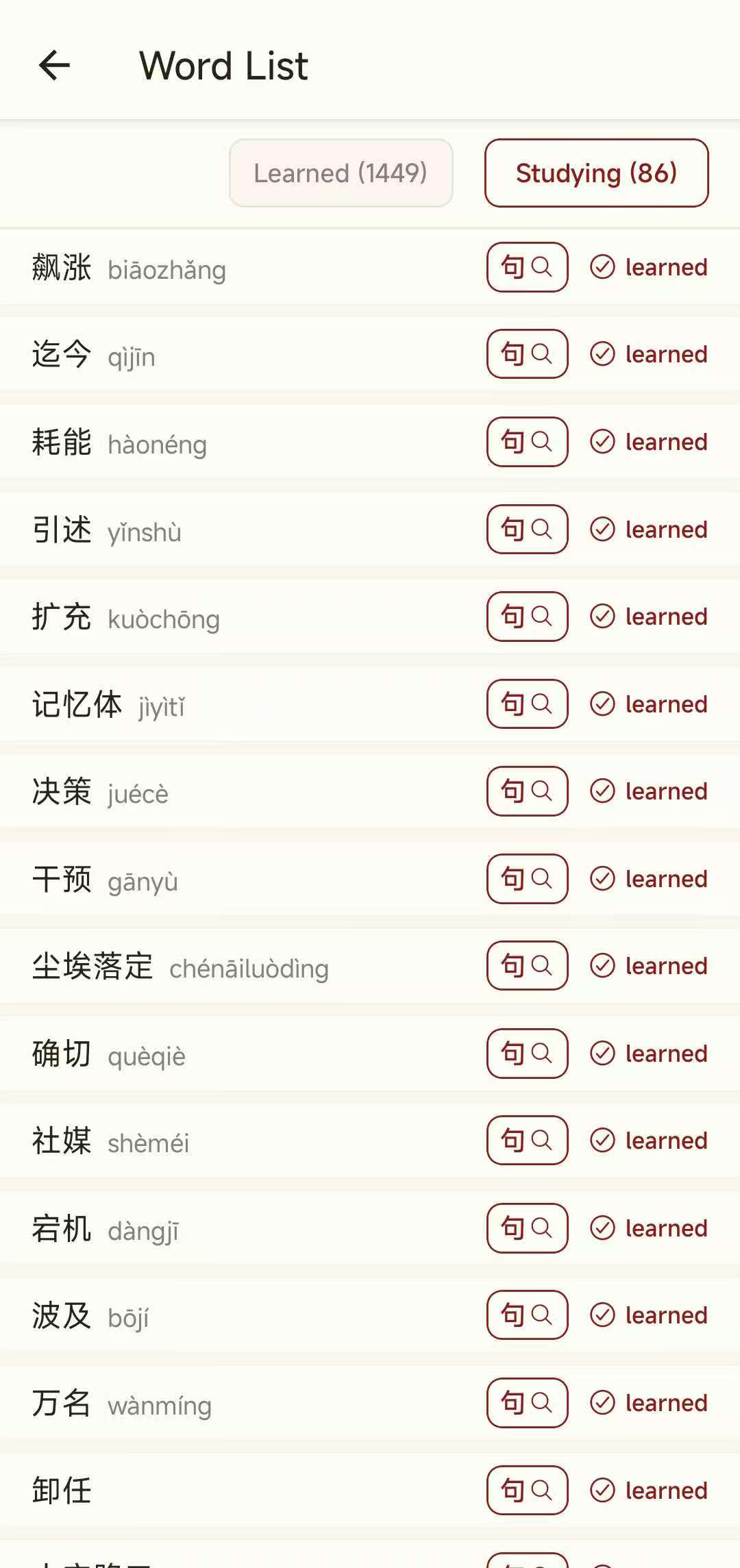
Improved popup dictionary
- Dictionary entries are now more compact and show only 3 lines by default. Tap to show more.
- When a word or character has multiple dictionary entries, you can now browse all of them. Previously only the first entry was returned, which was often the wrong definition for the context.
- The Pleco search button has been redesigned. Returning from Pleco now always restores the article and your exact reading position, even if the system killed the app in the background.
Reading experience polish
We made several small but important changes to improve the reading experience:
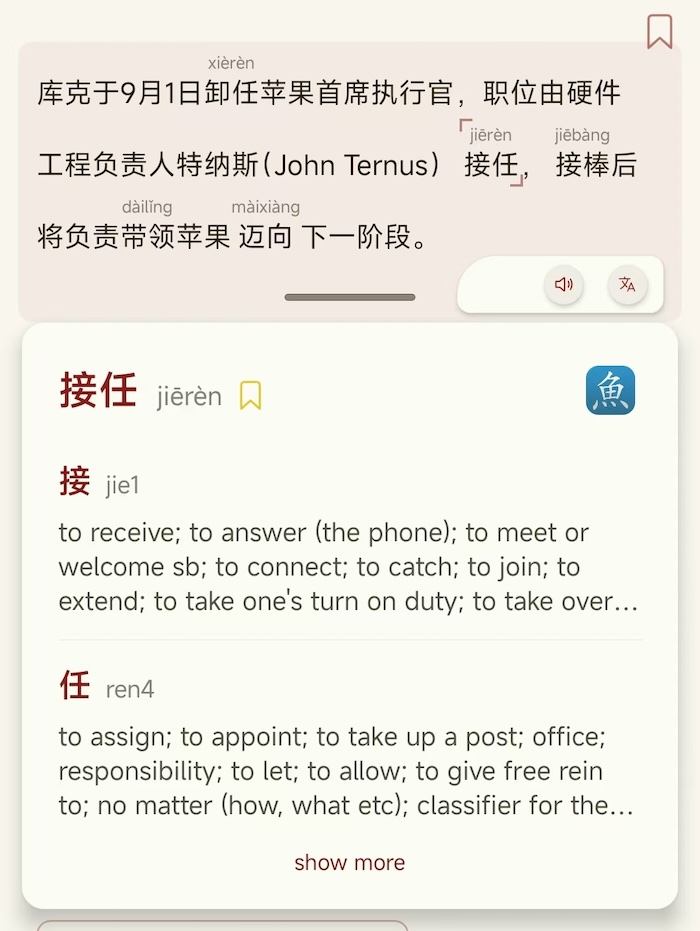
- The reader now hides pinyin for words you have already learned, as well as common stopwords and words below the HSK level you select.
- The word background highlight has been replaced with bracket markers for a cleaner focus.
- Closing the app while reading always restores the article and your exact reading position.
- The top bar and settings button are now smaller, giving more room for reading. The in-app back button is gone in favour of the Android system back button.
Discovery and filters
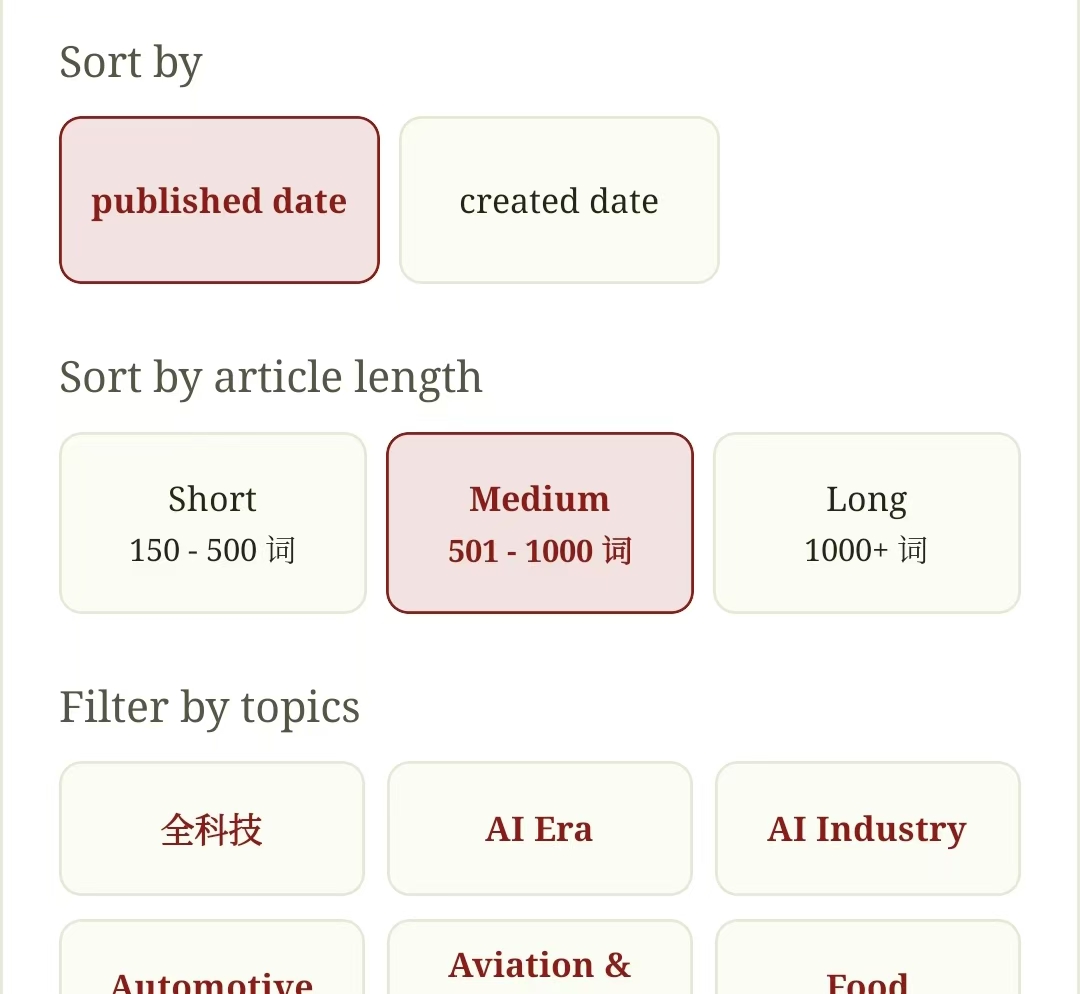
- You can now filter news articles by length: short, medium, and long.
- A Simplified filter has been added to the filters shelf. It is a preview of our upcoming AI-assisted article simplification feature, which will make more L4/L5 content available for readers who find native articles too difficult.
- Article tags now appear at the end of each article. Tapping a tag automatically searches for other articles with the same tag.
- Japanese and German are now supported, so more people can learn Chinese no matter their native language!
- Existing languages include English, Spanish, Arabic, Indonesian, Malay, Vietnamese, and Russian.
App version management
- You can now update the app directly from Settings. When a new version is available, the app detects it and shows an update button.
- There are also many small UX improvements across the Settings and Parse screens, including a refreshed layout.
What's coming next
- More intermediate L4/L5 content — articles that are easier than native-level articles.
- The long-awaited AI-assisted Article Simplification feature is nearly ready. It will ship in the next release and can simplify any native article by 1–2 HSK levels.
- We are also building a frequency list that auto-updates every day, based on the true distribution of the real news articles we index. Many existing frequency lists are 20 years old and built on a limited corpus; ours will reflect the entire Chinese internet.
- A Chinese-to-Arabic dictionary is still in the works. We found a promising option, but it is a physical book, so we are working on using OCR to digitize the pages and create a free Chinese-to-Arabic dictionary.
- We are building a LevelChineseNews API so that other Chinese learning tools and educators can use our data and infrastructure to build more Chinese learning solutions. If you have a use case in mind, please email contact@levelchinese.app.
You can download v0.8.1 here: https://apk-download.levelchinese.app/v0.8.1-build-1788709444419.apk